

How to Track ChatGPT Referral Traffic in GA4
Published on June 29, 2026
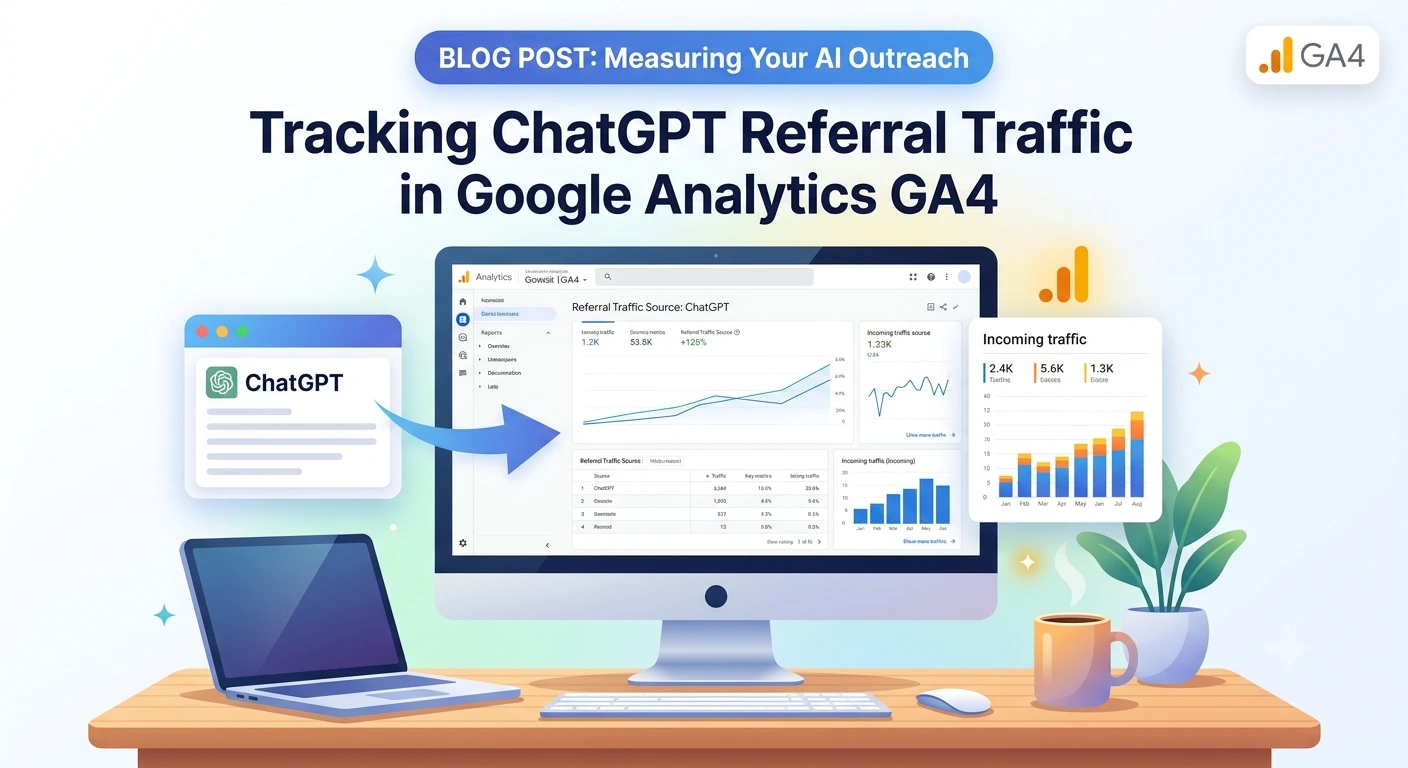
Many business owners are focused on traditional search engine rankings, yet they are missing a growing volume of visitors arriving through conversational tools like ChatGPT. This traffic is often overlooked because it does not appear in standard reports, but it represents a crucial shift in how people find information.
If you want to understand which of your web pages are truly providing value, you must track these referrals specifically. Below is a simple process to identify exactly which pages AI platforms are citing as reliable sources.
The GA4 Discovery Workflow
You can isolate ChatGPT traffic within Google Analytics 4 by applying specific filters to your existing reports.
- Navigate to Reports: Log into your GA4 account and go to Reports > Acquisition > Traffic acquisition.
- Adjust the Dimension: Click the dropdown arrow next to the primary table header and change the view to Session source / medium.
- Search for AI Sources: Use the search bar directly above the table to type chatgpt.com. This will filter the results to show sessions originating from that domain.
Analyze Page-Level Engagement
Once you have isolated the source, switch to the Engagement tab in the sidebar and select Pages and screens:
- Click the + Add filter button at the top of the report.
- Set the dimension to Session source and the value to chatgpt.com.
- Click Apply.
This report now displays the exact pages on your website that are receiving traffic from ChatGPT. These pages are the assets that the model has determined are relevant enough to recommend to its users.
Strategy: Improving Your Cited Pages
Once you have identified these high-performing pages, use them to guide your future content planning:
- Audit for Clarity: If ChatGPT is consistently citing a specific page, look at its structure. Determine if the clarity of your information or the specific data provided is what makes it stand out.
- Prioritize Important Data: AI models often rely on information placed early in a document. Ensure your most relevant answers appear near the top of your pages to increase the likelihood of being referenced.
- Build Content Clusters: Use the topics from these cited pages to develop supporting articles. If a model trusts your content on one subject, it is more likely to trust your expertise on related topics.
- Monitor Performance: Check this report regularly. If the traffic to your cited pages decreases, it may mean a competitor has provided a more concise or up-to-date answer that the model is now choosing to prioritize.
Tracking Unlabeled Traffic
Keep in mind that this method only captures traffic that passes a referrer header. Some platforms remove this data, meaning some of your visitors will appear as Direct traffic. To get a broader view, you can create a custom channel group in your GA4 Admin settings that includes multiple AI domains. This allows you to group all AI-sourced traffic into one segment, giving you a clearer picture of your total visibility.